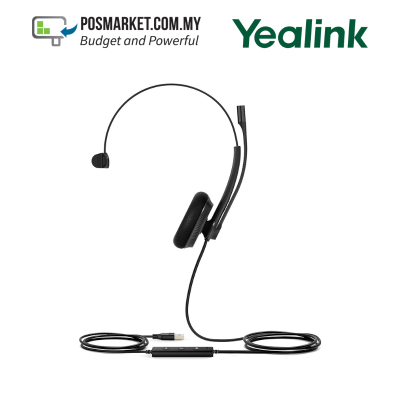
Yealink UH34 Lite Mono Microsoft Teams USB Wired Headset Foamy Cushion
Model: UH34 Lite Mono Teams
RM249.00 RM229.00
View on e-marketTeams-certified headsets that work the moment you plug them in: answer, mute and join meetings from the device itself, with call-centre grade microphones and all-day comfort.
View Teams Headsets Ask for a Recommendation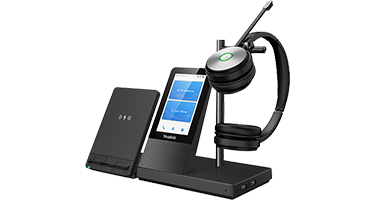
Current Teams headsets from our e-market store, with live pricing. Click a product for full specs and to order.
Model: UH34 Lite Mono Teams
RM249.00 RM229.00
View on e-market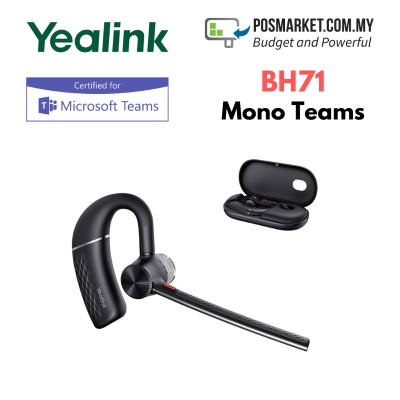
Model: BH71 Teams
RM689.00 RM937.00
View on e-market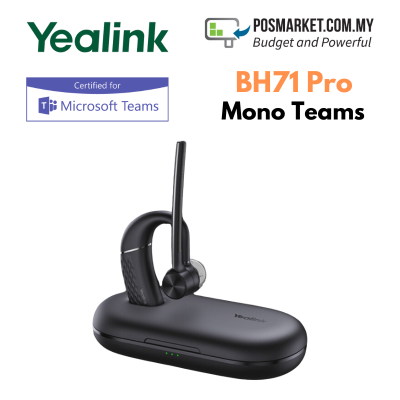
Model: BH71 Pro Teams
RM1,009.00 RM928.00
View on e-market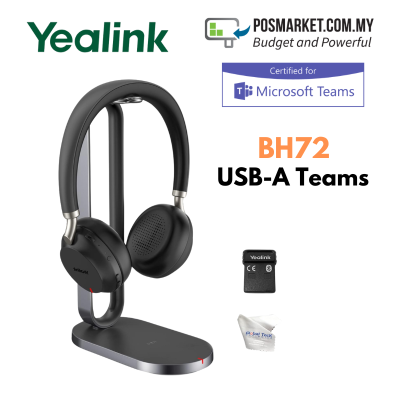
Model: BH72 USB-A Teams
RM1,699.00 RM1,581.00
View on e-market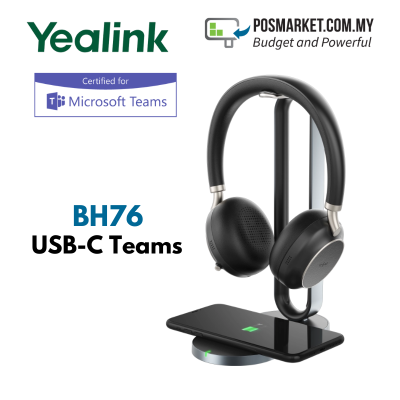
Model: BH76 USB-C Teams
RM1,829.00 RM1,701.00
View on e-market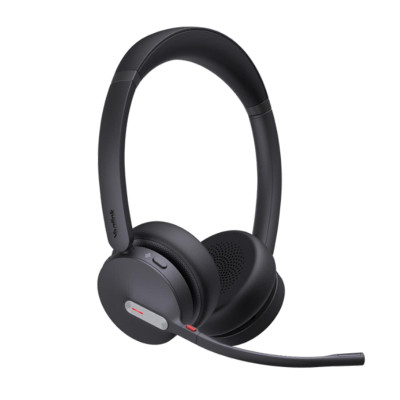
Model: BH70 Dual Teams USB-A
RM744.00
View on e-market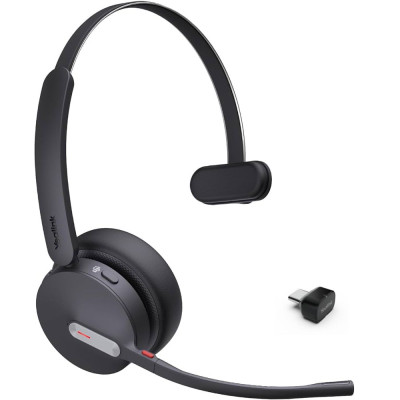
Model: BH70 Mono Teams USB-C
RM744.00
View on e-market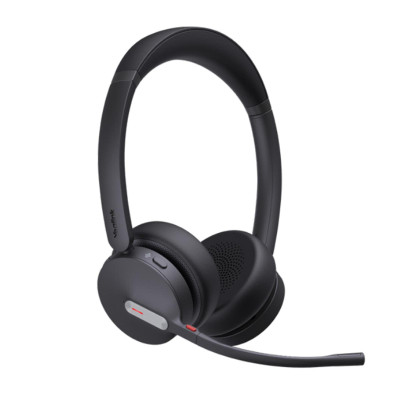
Model: BH70 Mono Teams USB-A
RM634.00
View on e-market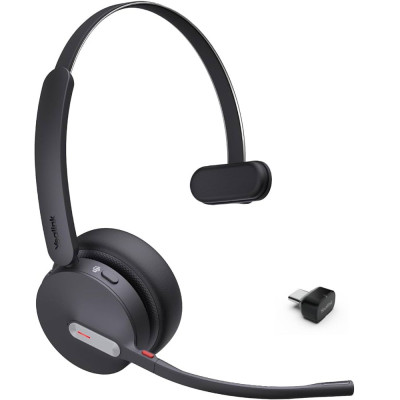
Model: BH70 Mono Teams USB-C
RM634.00
View on e-market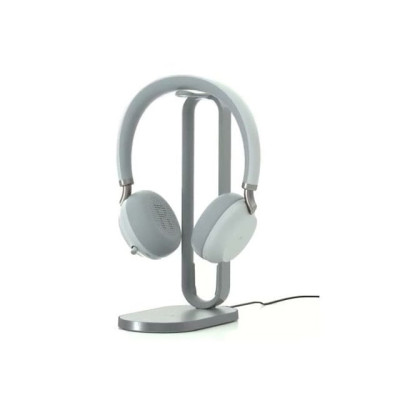
Model: BH72-W/CS-LG USB-C Teams
RM1,581.00
View on e-marketPrices and stock are shown live from e-market.com.my. Need volume pricing or installation? Ask for a quote.
Most offices mix two or three of these, depending on who sits still and who does not.
Lowest cost, nothing to charge. Best for staff at a fixed desk.
One ear free to hear the room, and freedom to walk with the call.
Charging stand, longer battery and better noise isolation for heavy users.
Beyond headsets, we supply the rest of the Yealink Teams range. These are quoted to suit your rooms and user count.
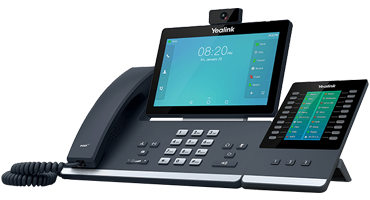
A real handset on the desk for staff who prefer one, with a touchscreen and one-touch meeting join.
Ask for a quote →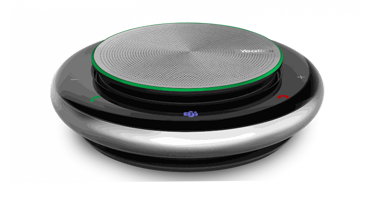
USB and Bluetooth speakerphones for huddle rooms, hot desks and staff who travel between sites.
Ask for a quote →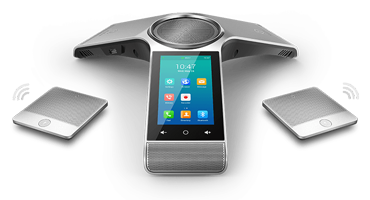
Table conference phones with wide microphone pickup for mid-size and larger meeting rooms.
Ask for a quote →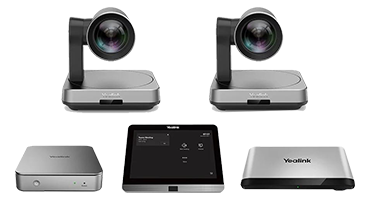
A native Teams experience in the meeting room, with a console, camera and room audio set up as one system.
Ask for a quote →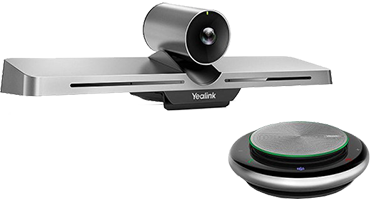
All-in-one camera, microphone and speaker bar for huddle rooms, with simple mounting and setup.
Ask for a quote →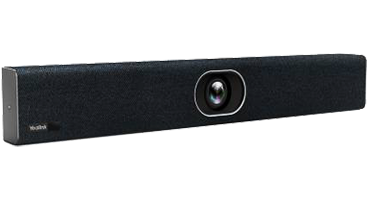
One cable from the room to a visitor's laptop, so any meeting platform can use the room's camera and audio.
Ask for a quote →The same headsets work with softphones and Cloud PBX apps, and we supply the Zoom-certified range too. If your office runs on desk phones, we can pair those instead.
Microsoft tests and certifies the device for Teams, so it works with Teams out of the box: the call controls and the Teams button on the device work as expected, and the audio meets Microsoft's requirements.
Wired USB headsets like the UH34 suit staff at a fixed desk. Bluetooth models like the BH70 and BH71 suit people who move around, and the BH72 and BH76 with charging stands suit managers and all-day users who want the longest battery life and a tidy desk.
Yes. Besides the headsets listed with live prices, we supply Yealink Teams desk phones, speakerphones, conference phones, video bars, USB cameras, BYOD kits and Teams Rooms systems. Contact us for a quotation based on your rooms and users.
Yes. Most of these headsets connect by USB or Bluetooth to a computer or mobile, so they work with Teams as well as softphones and Cloud PBX apps. Tell us what your team uses and we will confirm compatibility.
Tell us how many people need headsets, how many meeting rooms you have, and whether anyone still wants a desk phone. We will put together the list and quote it.
Request a Quote WhatsApp Us